AI for Small Business Owners: 12 Time-Savers That Don't Need a New Hire
12 practical ways small business owners use AI to save hours a week, from emails to content to customer replies, without hiring anyone.
AI for Small Business Owners: 12 Time-Savers That Don't Need a New Hire
When you run a small business, you are the marketing team, the support team, and the admin team, usually all before lunch. There aren't enough hours in the day, and hiring to fix that isn't always an option. AI won't replace a great hire, but it can quietly take the busywork off your plate so you can spend your time on the work only you can do. Here are 12 practical ways to put it to work today.
1. Answer routine customer emails
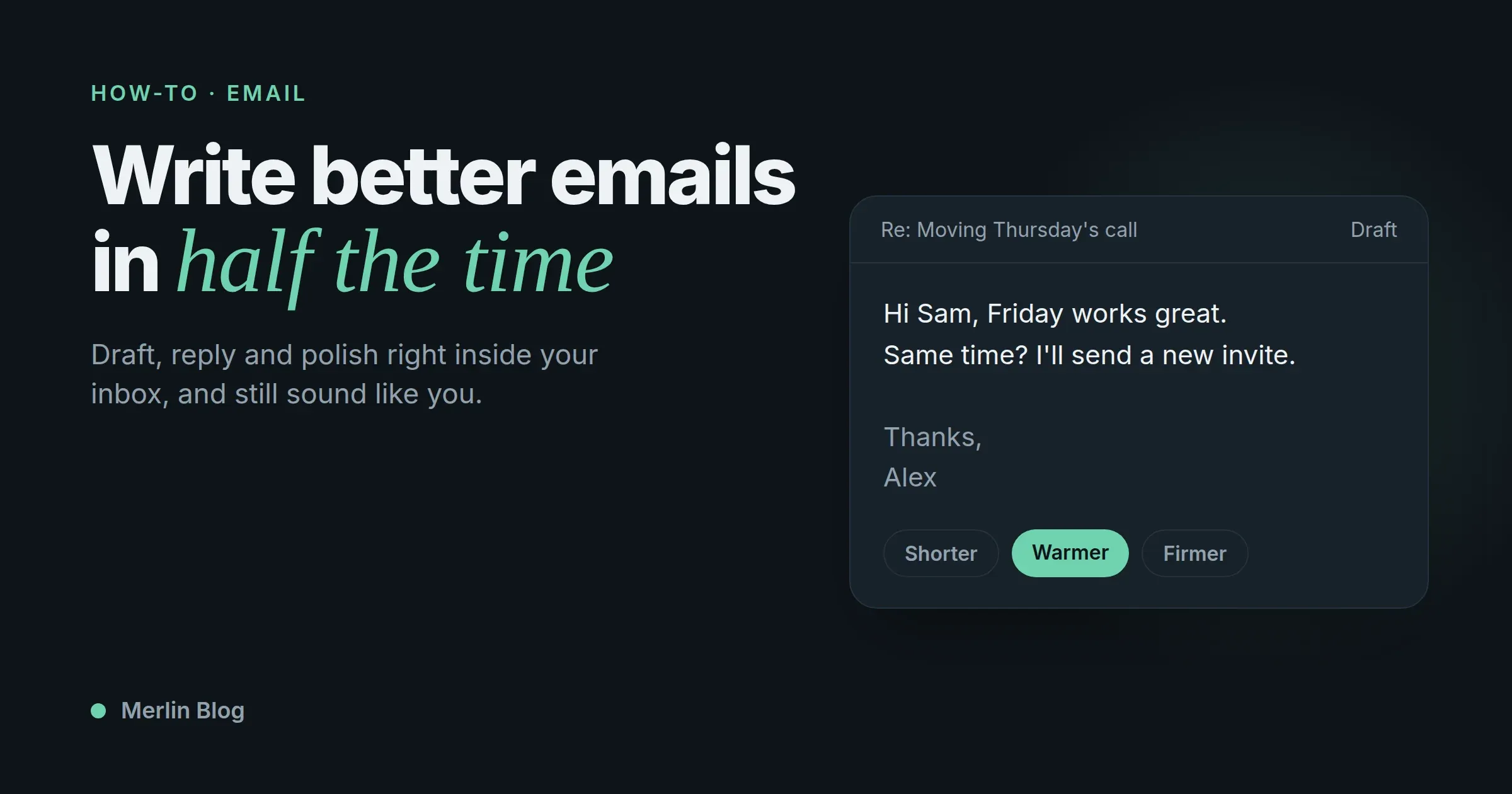
You get the same questions over and over. Where's my order, do you ship here, what's your return policy. Have AI draft the replies. You read and send. What used to take twenty minutes takes two, and the answers stay consistent.
2. Write your social posts
Give it a rough idea and get a week of posts in your brand's voice. Edit them so they sound like you, schedule, and move on. The blank calendar is what stops most owners from posting regularly, and this removes it.
3. Turn one piece of content into ten
Wrote a blog post? Ask AI to spin it into an email newsletter, five short social posts, and a script for a quick video. This content repurposing means one real effort feeds every channel, instead of you starting from zero for each platform.
4. Summarize long documents
Vendor contracts, insurance policies, grant applications, industry reports. Ask for the key points and the things to watch before you commit real time to reading the whole thing. Then read the important parts closely.
5. Draft product descriptions
Feed it the details and get clean, consistent product descriptions for your whole catalog, instead of writing each one from scratch or leaving them half-finished. Ask for a specific tone so they match your brand.
6. Handle first-draft proposals and quotes
Give it the scope and get a structured proposal draft you can refine. The blank page is the slow part of any proposal, and AI removes it so you can spend your time on the pricing and the details that actually win the deal.
7. Brainstorm when you're stuck
Business names, offer ideas, campaign angles, promo hooks, blog topics. Use AI as a tireless brainstorming partner that never runs out of ideas and never judges the bad ones. Most of the ideas won't land, but you only need a couple that do.
8. Clean up your writing
Every message you send represents your business. Ask AI to fix tone and typos before anything goes to a customer or a partner. A quick polish on an important email is cheap insurance for how you come across.
9. Research competitors and markets
Ask for a summary of a competitor's positioning, or a quick read on a trend in your industry, then verify what actually matters before acting on it. A fast, rough starting point beats a blank page and hours of manual digging.
10. Translate for new customers
Reach customers who don't speak your language. AI can translate your emails, product listings, and support replies into dozens of languages, which opens up markets that used to be closed to a small operation without a translation budget.
11. Prep for meetings
Turn a messy set of notes into a clean agenda. Summarize a long email thread before a call so you walk in knowing where things stand. Draft a quick follow-up right after. These small tasks eat time all week, and AI clears them in seconds.
12. Build reusable templates and checklists
Onboarding steps for a new customer, standard replies for common situations, a checklist for closing up, a simple hiring rubric. Ask AI to build them once, then reuse them forever. Small businesses run on repeatable systems, and this is a fast way to create them.
The setup that makes this actually stick
Here's the honest problem most owners hit. They try one of these, love it, and then don't build the habit, because switching to a separate AI tab breaks their flow every time. The fix is having the assistant where you already work, not in yet another window you have to remember to open.
That's why a browser-based tool fits busy owners so well. Merlin lives one shortcut away on any page, so you can draft an email inside Gmail, summarize a contract in your browser, and write a product description right on your store's admin page, without opening a new app or losing your place. And instead of paying for several different AI tools, one Merlin plan gives you the top models together, which matters when every subscription line is money out of a small budget.
A realistic week-one plan
Don't try to adopt all twelve at once. That's how good intentions die by Wednesday. Here's a gentler start:
- Day 1: Pick your single biggest time sink. For most owners it's customer email or social content. Use AI for the first draft of just that, all day.
- Day 2 and 3: Keep going with the same one task. You're building a habit, not a checklist.
- Day 4: Add a second task only once the first feels automatic.
- Day 5: Save the prompts that worked so you're not rewriting them next week.
By the end of one week you'll have one or two solid habits instead of twelve half-tried experiments. That's what actually sticks, and it compounds. A month in, you'll look up and realize you've bought back several hours a week without adding a cent to payroll.
The mindset that matters
The owners who get the most from AI don't think of it as a magic button that runs the business. They think of it as a fast, tireless assistant who produces good first drafts and never complains about doing the boring parts. You're still the one making decisions, setting the tone, and putting your name on the work. AI just clears the runway so you get there faster.
More ways to put AI to work
The twelve above are the big ones, but a few more come up constantly for small teams:
- Turn reviews into insight. Paste a batch of customer reviews and ask for the top three things people love and the top three complaints. That's market research you'd normally pay for.
- Draft your policies. Refund policy, shipping policy, terms for a new offer. Get a solid first version in minutes, then have a professional check anything legal.
- Write your job posts. Describe the role and get a clear, appealing listing instead of a dry one that scares off good candidates.
- Prep for a difficult conversation. A late-paying client, an underperforming vendor. Talk it through with the AI and draft the message before you send it.
- Repurpose a testimonial. Turn one great customer quote into a social post, a website blurb, and an email line.
None of these is glamorous. All of them are time you get back.
The real reason owners stall
Most small business owners have heard they "should use AI." The reason they don't isn't doubt about whether it works. It's that adding a new tool to an already overloaded day feels like one more thing to manage. The trick is to make AI reduce steps, not add them. That means using it inside the tools you already have open, on the tasks you already do, rather than carving out special "AI time" that never happens.
An assistant that lives in your browser fits that perfectly. You're already in Gmail, already on your store's admin, already reading that contract. The assistant is right there, one shortcut away, on the page you're already looking at. No new app, no context switch, no special time blocked off. It just makes the thing you were already doing faster.
Measure the time you get back
After a couple of weeks, take a minute to notice what changed. How long does email take now? How long did the last batch of product descriptions take? How quickly did you turn that blog post into a week of social content? Most owners are surprised by the total once they actually look. That reclaimed time is real, and the best part is you can spend it on the parts of the business that only you can do, the strategy, the relationships, the product, instead of the busywork a fast assistant can handle.
Start today, not someday
The barrier to entry here is almost nothing. You don't need training, a consultant, or a big budget. You need one repetitive task and five minutes to try letting AI draft it. Pick that task right now, the one you're already dreading doing again this week, and hand the first draft to AI. That single small step is how every owner who now swears by this got started.
Common questions
What are the best AI tools for small business? The most useful ones handle writing, customer replies, summarizing, and content repurposing. A multi-model, browser-based assistant like Merlin covers most of these from one plan, which keeps costs down for a small operation.
Can AI really save a small business time? Yes, especially on repetitive writing like emails, social posts, and product descriptions. The biggest gains come from drafting first versions and handling the same customer questions again and again.
Do I need technical skills to use AI for my business? No. If you can type a request in plain language, you can use it. A browser extension that works on the pages you already use lowers the barrier even further.
Is it worth paying for AI as a very small business? For most, yes, because the time saved on drafting and admin quickly outweighs a single subscription. Consolidating to one multi-model tool keeps the cost to a single, manageable line.
Where should I start if I've never used AI for work? Pick your most repetitive writing task, usually email, and let AI draft it for a week. Once that habit is solid, add one more task at a time.
How much time can AI realistically save a small business? It varies, but owners who use it daily for email, content, and admin often save several hours a week. The biggest wins come from repetitive writing and answering the same customer questions over and over.
Do I need different AI tools for different tasks? Not if you pick a multi-model tool. One assistant like Merlin can handle writing, summarizing, customer replies, and translation, which keeps your costs and your logins down to one.
What's the safest way to start using AI without risk? Begin with low-stakes internal tasks like drafting emails and organizing notes, and always review the output before it goes to a customer. For anything legal or financial, have a professional check the final version.
The takeaway
You can't hire a full team, but you can hand the busywork to AI. Start with your most time-consuming task, keep the assistant where you already work, and build one habit at a time. A month from now, that's hours back in your week and a business that runs a little smoother, with no new hire required.
Experience the full potential of ChatGPT with Merlin

Udita Pal
Growth @merlin